Showing posts with label icolorama app. Show all posts
Tuesday, July 21, 2015
Saturday, July 11, 2015
Sunday, July 5, 2015
Laden
sometimes things get a little heavy…
i began with this photo from a magazine:
it was opened in Brushstroke and Lead 1 was applied:
next i took it to iColorama and applied
Style/Simplify/4/14, Brush to mask what
i didn't want and add the random letters,
cropped, then Form/Straight to skew the
image so she looked bent over:
i finished up in Path On, adding the wording
Labels:
brushstroke app,
digital art,
icolorama app,
laden,
path on app
Thursday, April 2, 2015
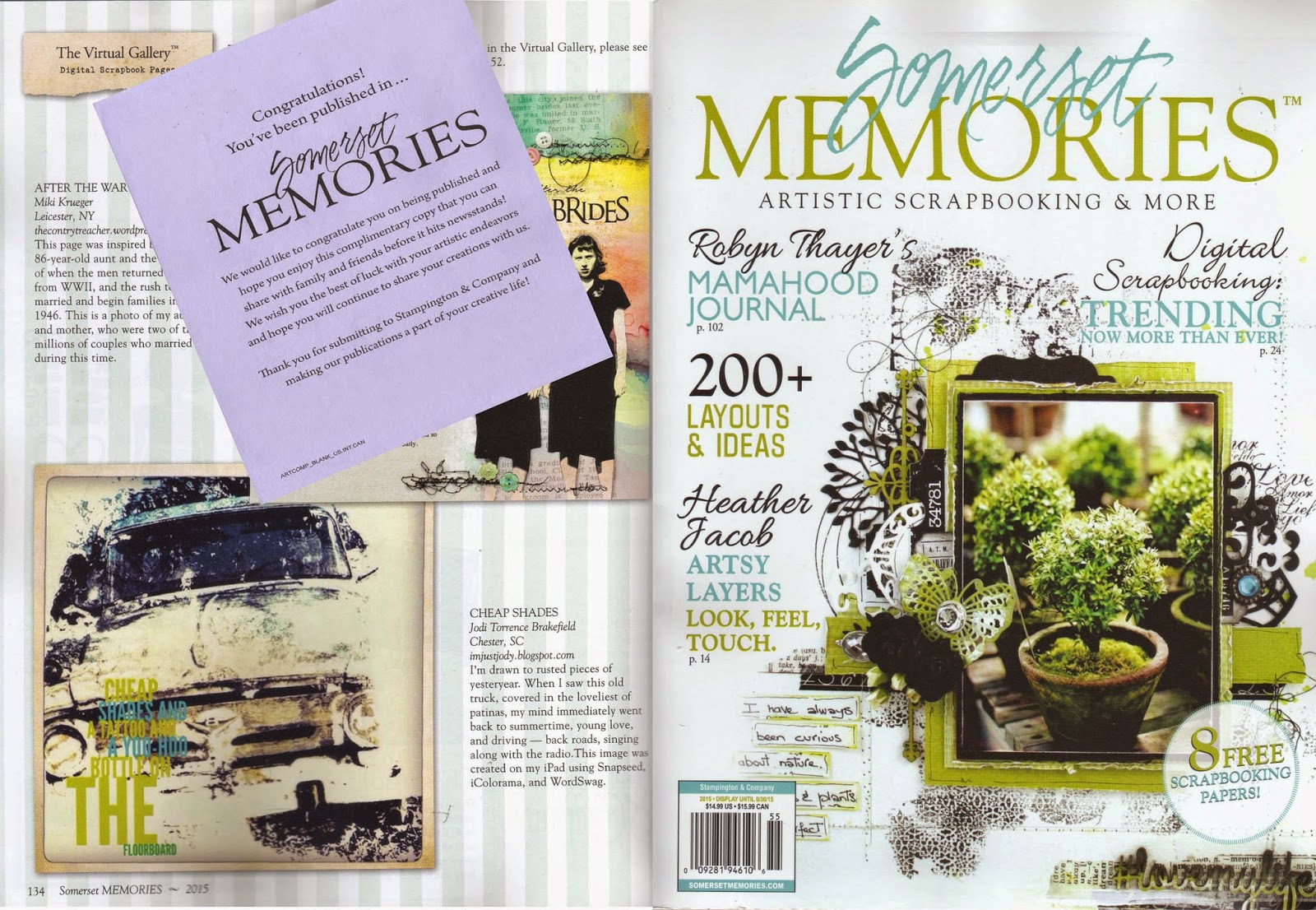
Published Again….Happy Dance!
I've been published again.
A picture I took of an old truck then applied a little
digital magic to is in Somerset Memories.
It's nice to see your art recognized.
…..smiling
Tuesday, September 2, 2014
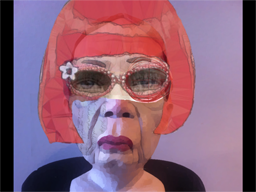
Red On My Mind a Digital Collage Tutorial
Geri Centonze over at Art of Mob issued a challenge
on instagram to create a face collage using parts from
different photos. this is one of my favorite things to do
so i created Red On My Mind. i thought i'd walk you
through my creative process to show how i made this piece.
i began with a picture taken with my iPhone at a ceramics
exhibit.
i opened this in iColorama app and changed it
to a painterly look.
opened this in Procreate app and then opened
my color outside the lines collage as another
layer and erased everything except the eyes.
below is what i ended up with. i also brought in a layer
with a letter written in a childs handwriting and erased
it all except what you see on the cheek.
then i opened the above image in ImageBlender as
the background and opened the picture i did below
as the foreground.
i played around with the opacity modes and
slider and then masked out all but the hair and glasses.
i took this photo back to iColorama and again
applied a painterly look. next i wanted a better
background so i opened my Tintype collage
in ImageBlender as the background and then
brought in the above image that i had painted.
i moved the woman off center and then masked
out all but her figure. next i took the combined
photo back to iColorama and used brush/paint
to do a wash of color over the numbers to
make them fit my colors. i wasn't too happy
with top of her nose so i took the picture back
to ImageBlender and brought in the original
painted ceramic picture on top and masked
all but the nose to cover that light patch under
her glasses. i like how it turned out. i'd also
like to say that i'm sure all these steps could
have been done in iColorama…i'm just not
that good with the app…it's a powerful app and
one that i would suggest you add to your
collection.
Subscribe to:
Posts (Atom)